

See how MAESTRO runs a clinical trial, one tool at a time.
Twelve short episodes: trial management, monitoring and safety, the trial master file, quality, workflows, tasks, finance, risk, vendors and audits, AI, and the platform underneath. Watch the one you need, or the whole tour.
The full tour
Start with the introduction, then follow the platform tool by tool. Each episode ends by pointing to the next.
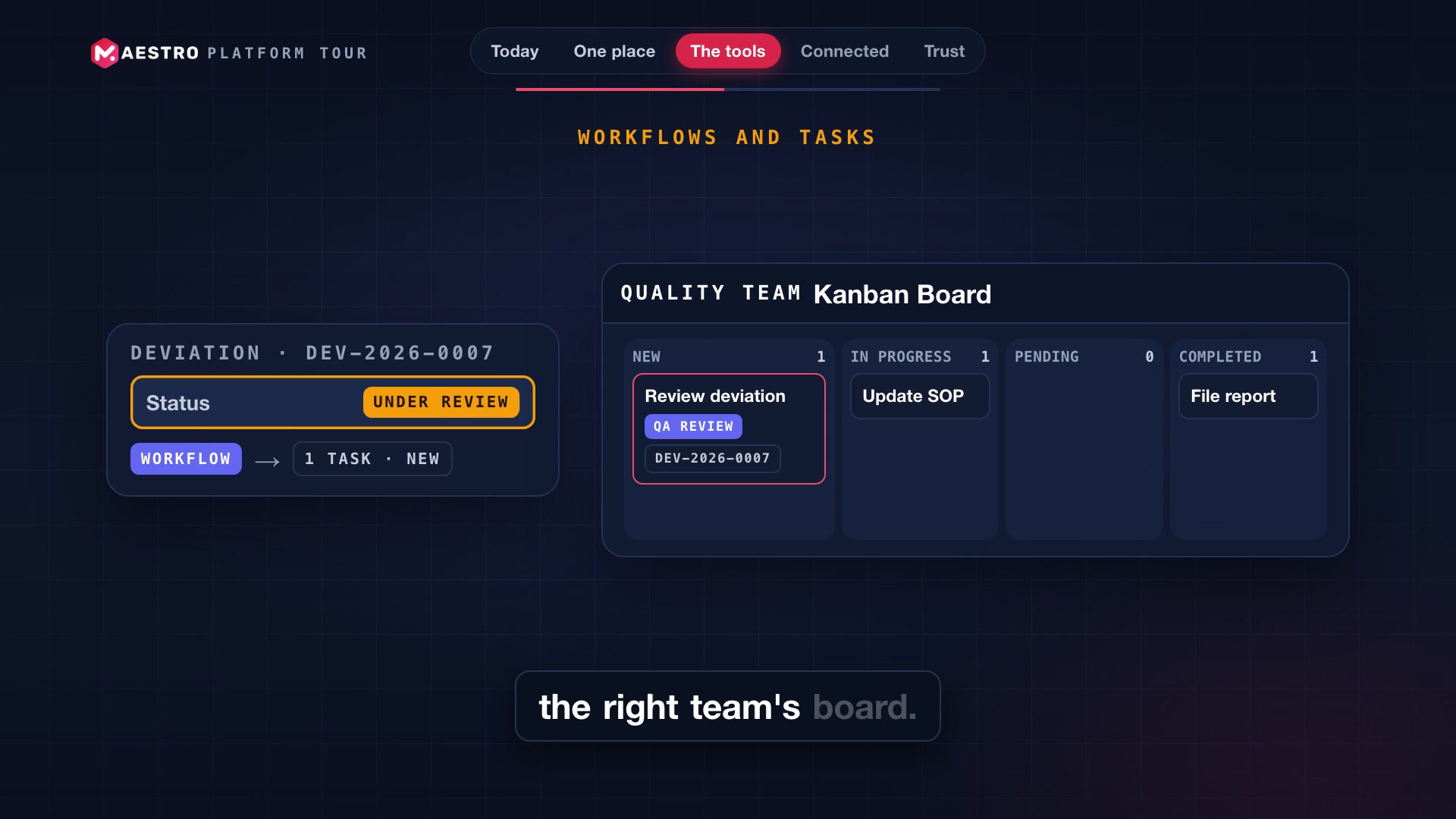
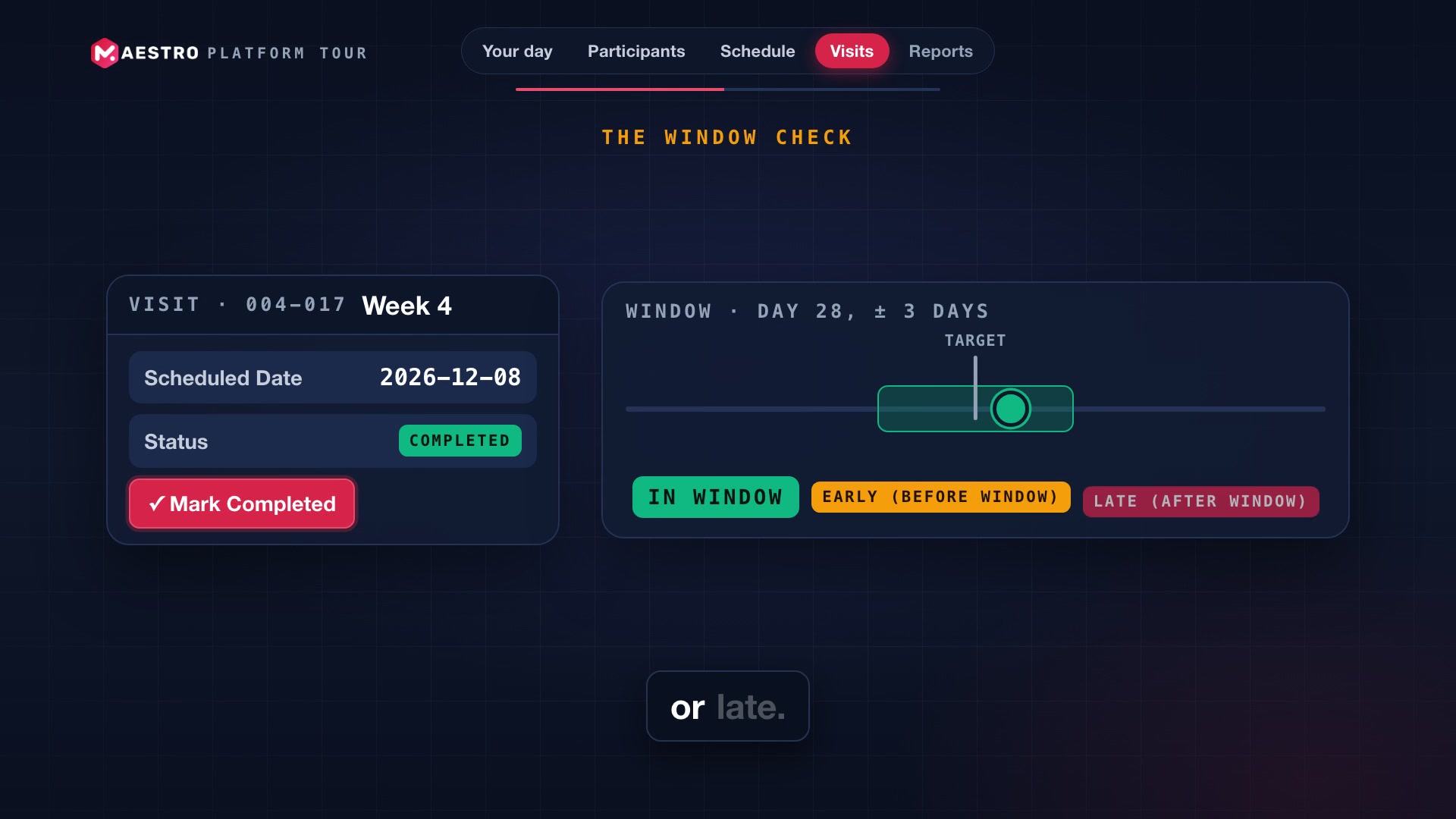
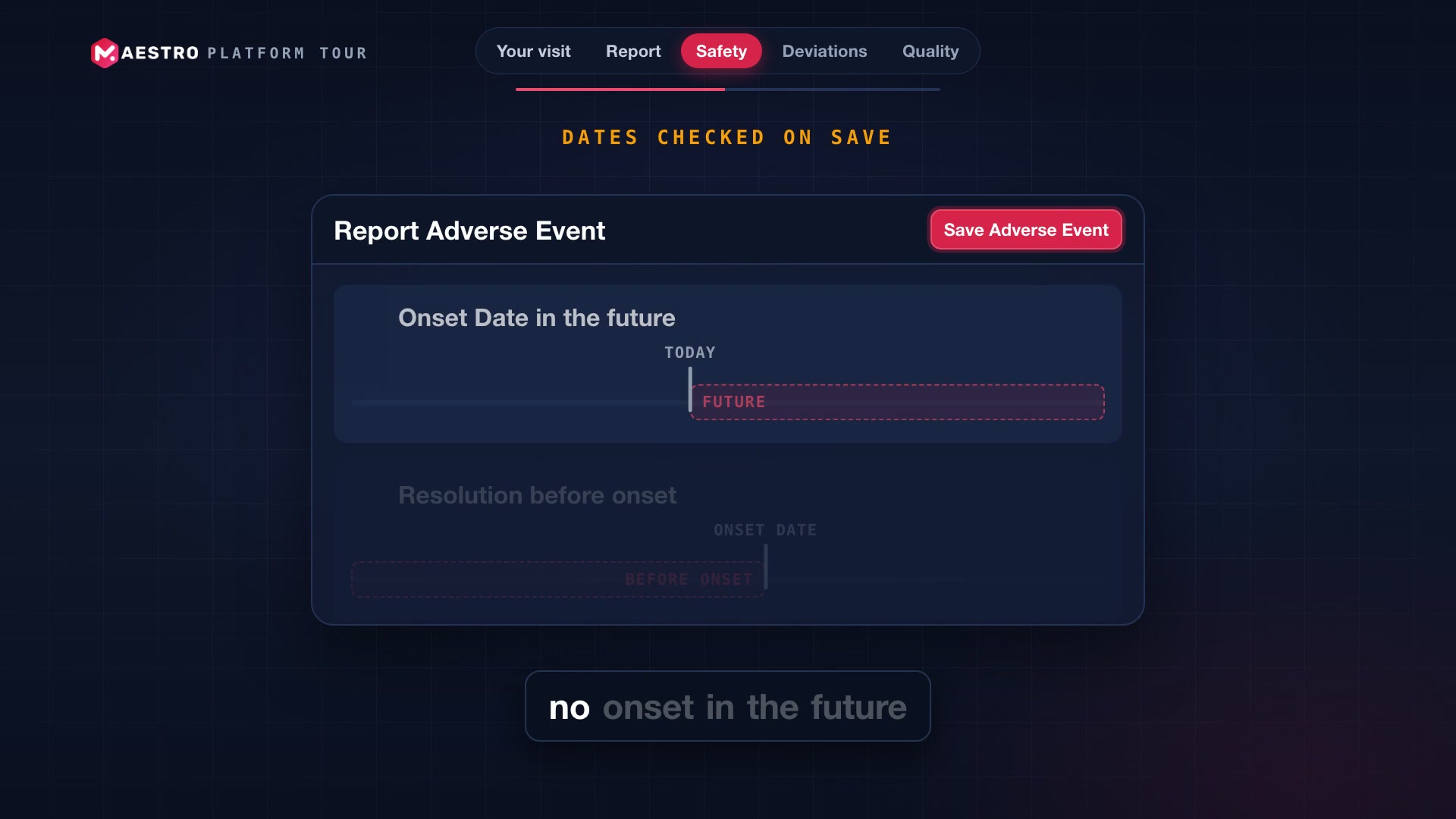
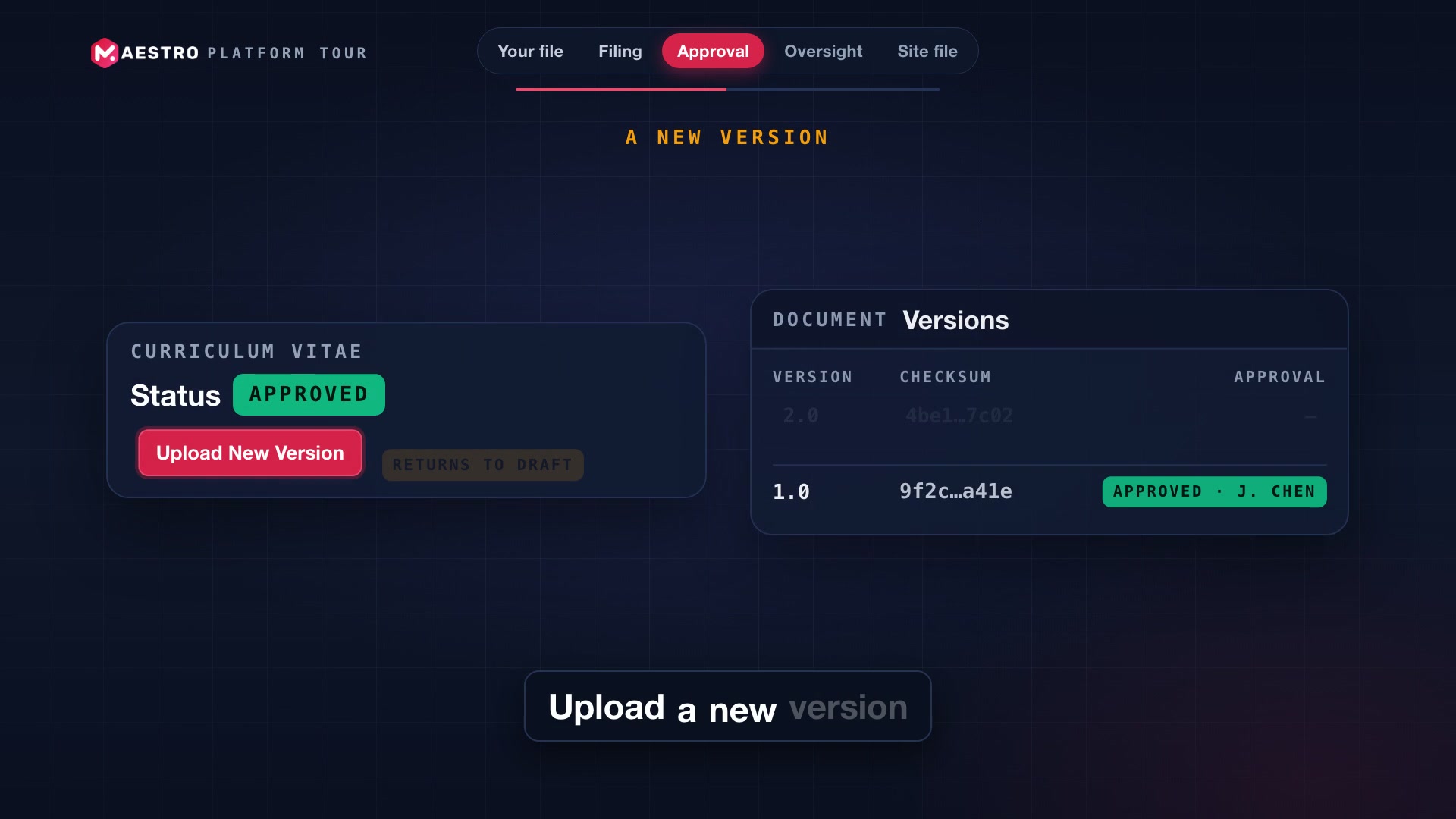
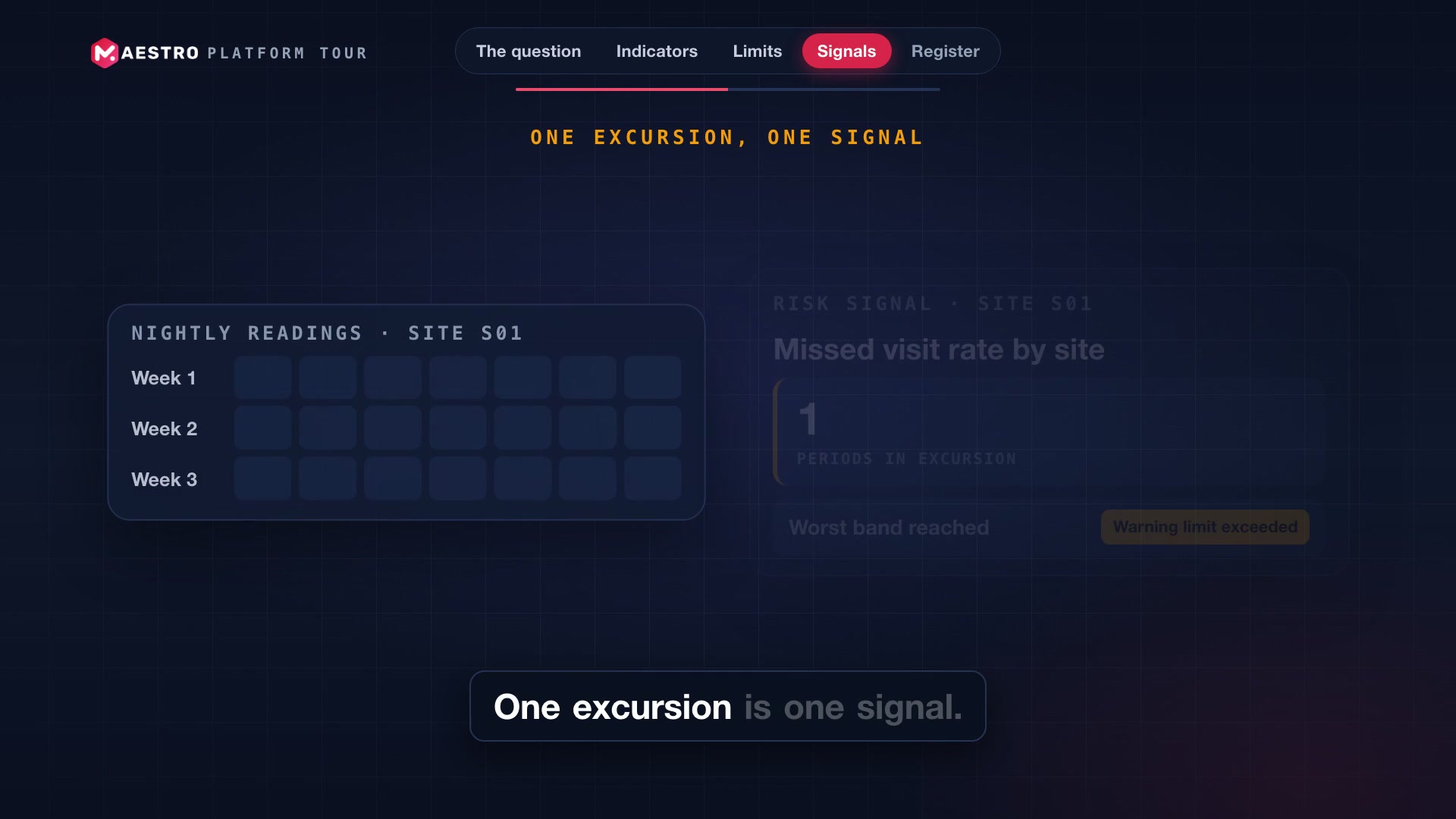
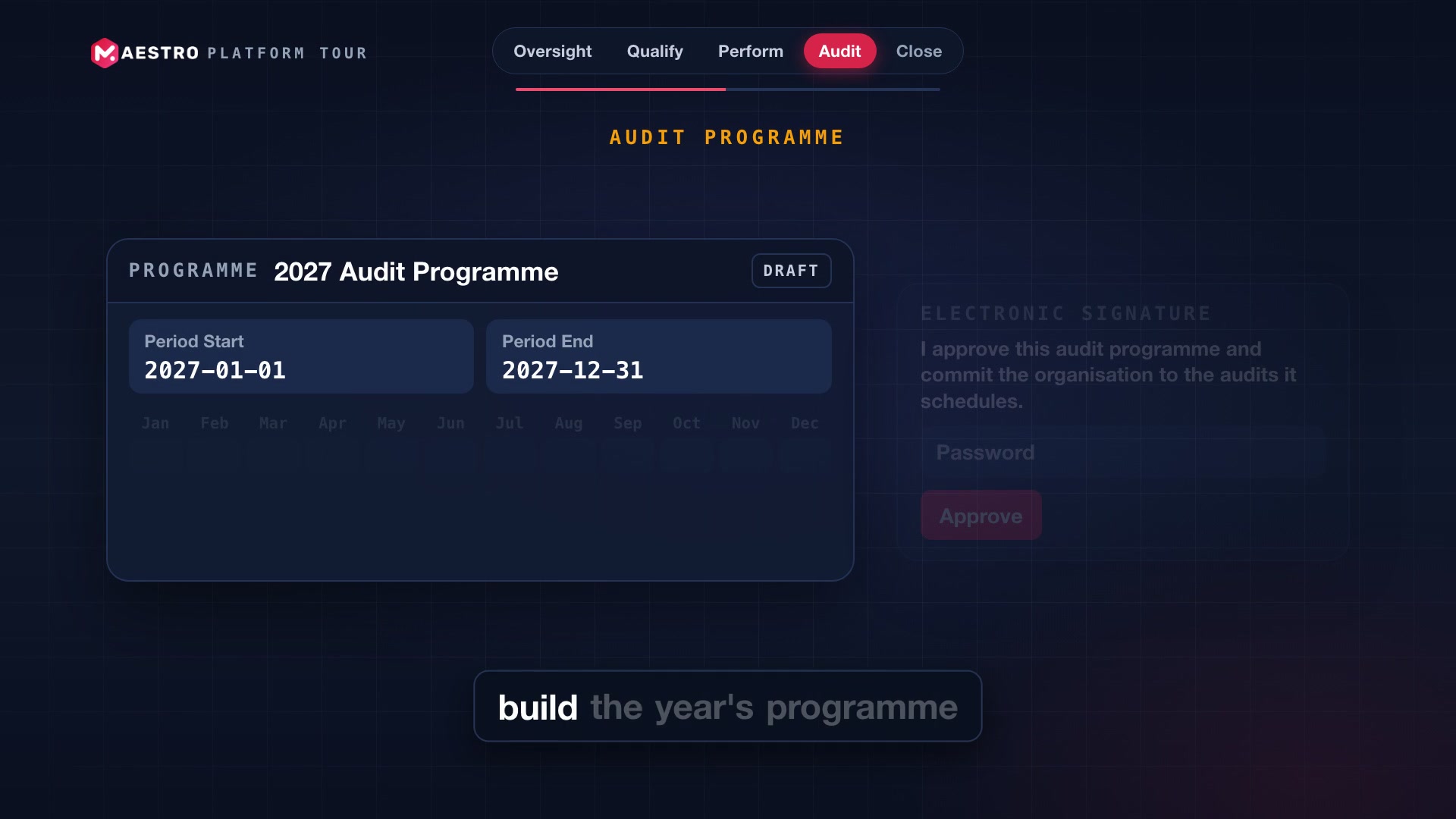
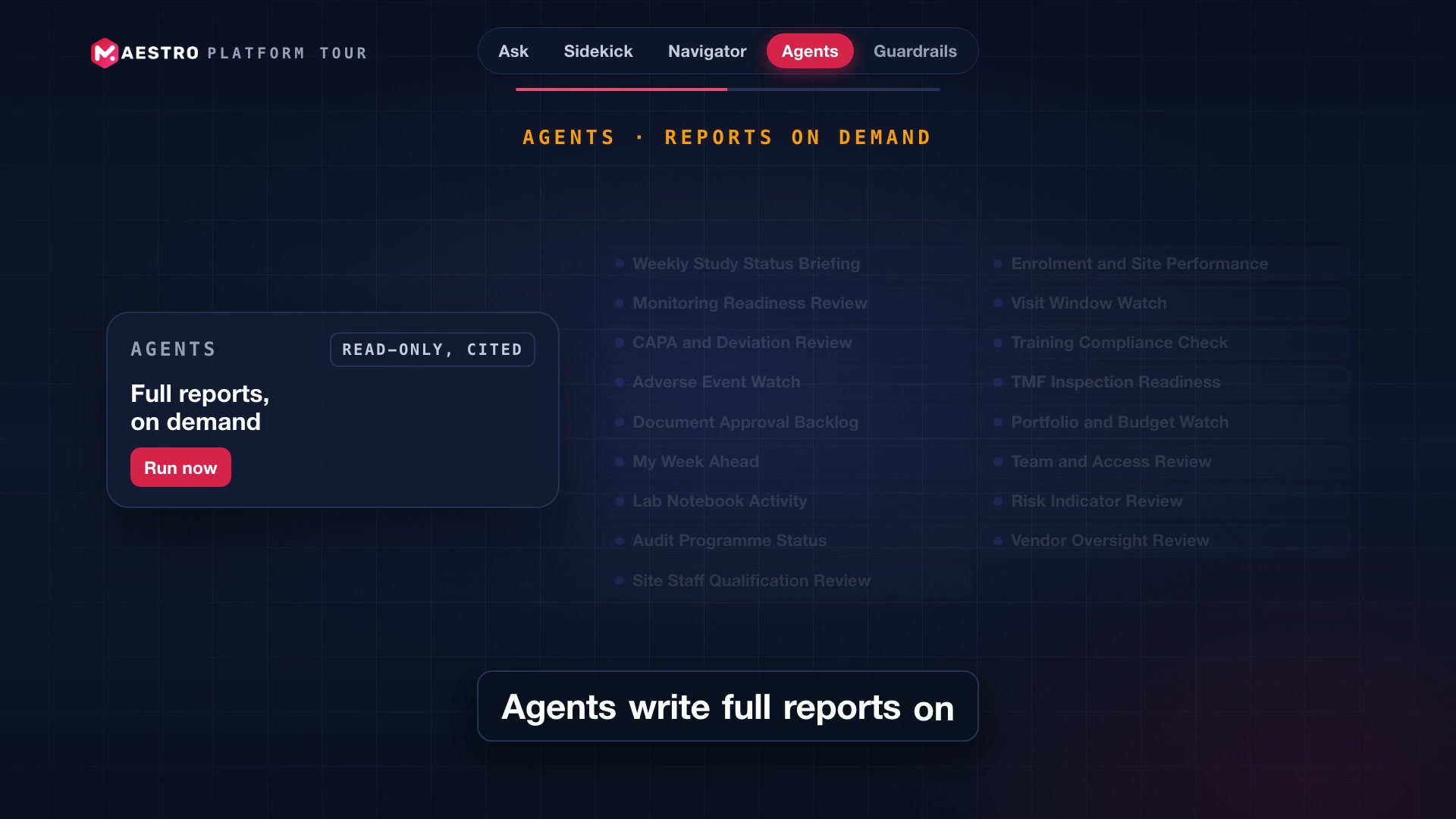
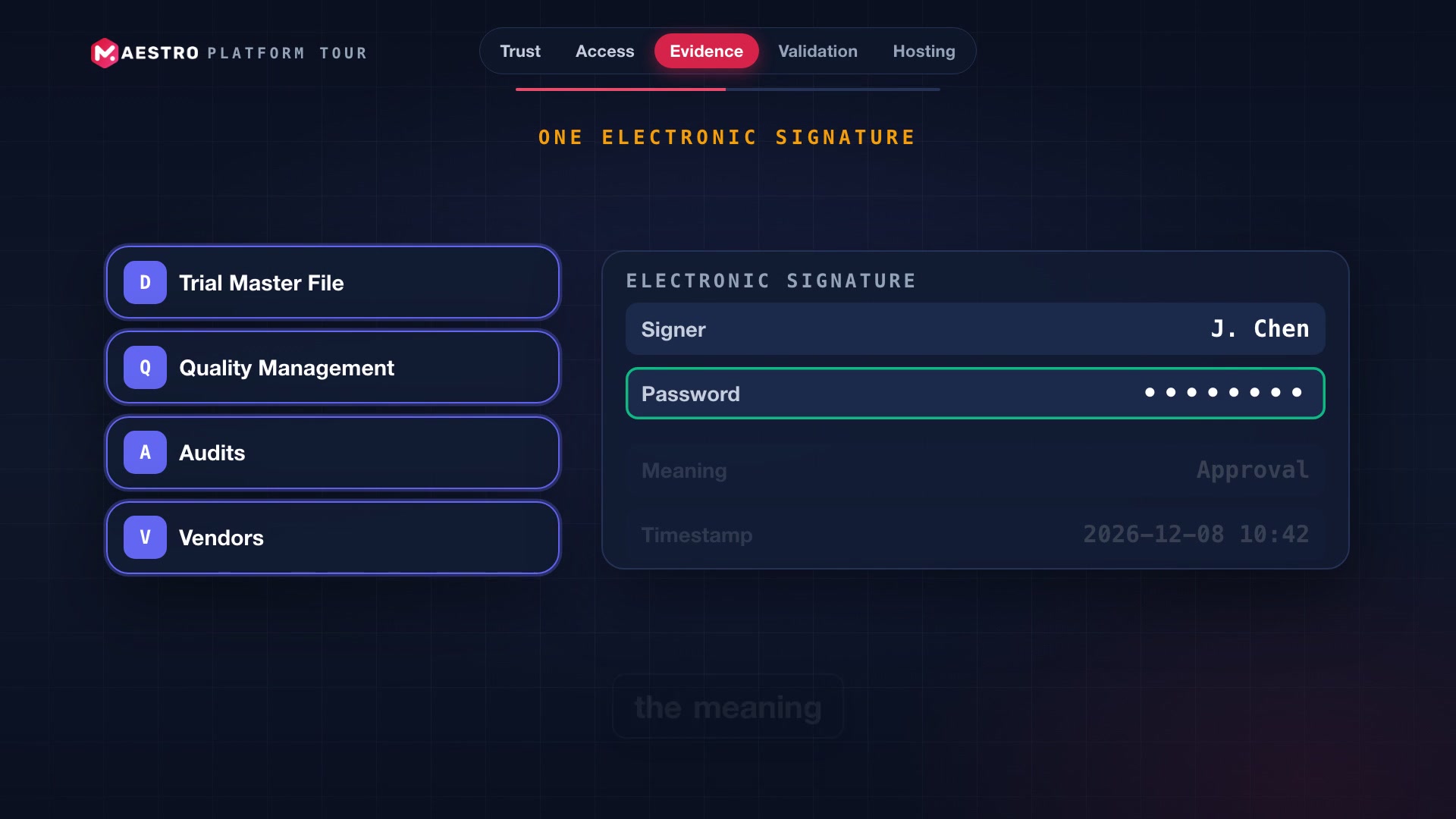
A trial runs on many records. Too often, each one lives in a different tool.
Visits, documents, quality records, tasks and invoices all describe the same study. When they sit in separate systems, the work of keeping them consistent lands on your team.
The same fact, typed again and again
A participant, a site, a visit date: re-entered in every tool, until nobody is sure which copy is right.
Visit windows checked by hand
Late and missed visits are found when someone reconciles the schedule, not when they happen.
Which version was approved?
Documents move through review by email, and the signed version is hard to prove after the fact.
Findings that never quite close
Monitoring findings, deviations and audit observations are tracked in spreadsheets, and the link to a CAPA is lost.
Simple questions take an afternoon
How many participants are enrolled? Which CAPAs are overdue? The answer exists, but finding it is manual.
Who changed what, and when?
When an inspector asks, the answer is scattered across every tool the study touched.
One platform, where records connect and every decision has its proof.
Each episode takes one tool and shows how it works with the rest: a late visit that files its own deviation, an audit finding that links to its CAPA, a signature bound to the exact version.
Checking each visit against its window by hand
A verdict on every completed visit, and a deviation filed when it falls outside the window
Asking which document version was approved
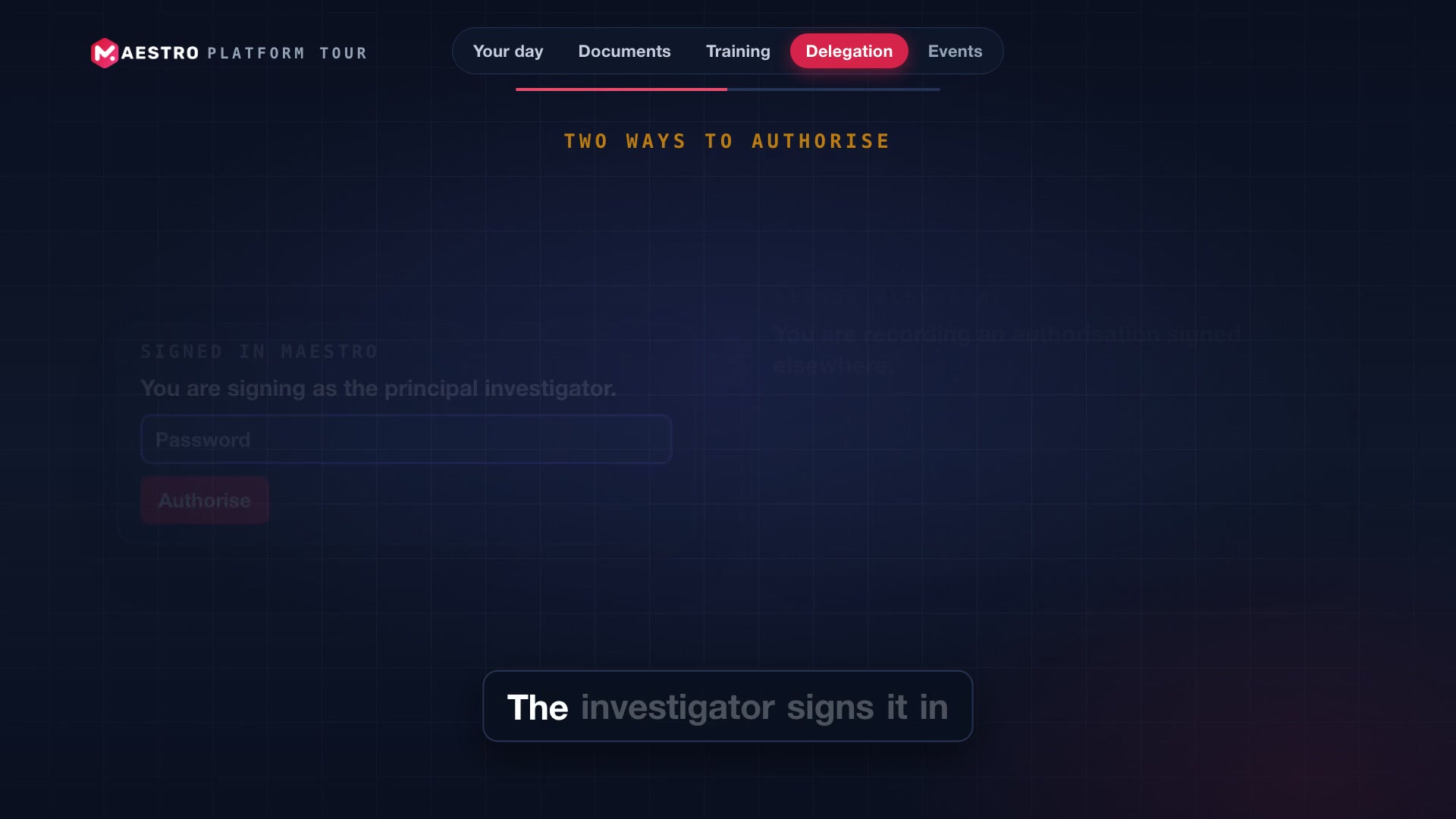
Signatures bound to the exact version and its checksum
Findings tracked in spreadsheets
Every finding and event followed to closure, linked to its CAPA
An afternoon to answer a simple question
Answers from your own records, with the sources to check them
Audit evidence rebuilt from email
One audit trail across the platform, with no screen to edit or delete an entry
Twelve episodes, in whatever order suits you.
The tour is built to be watched end to end, or one tool at a time when a question comes up.
- 01
Start with the introduction
Episode 1 is free and maps every tool on the platform in a few minutes.
- 02
Jump to the tool you run
Coordinators, monitors, quality, finance and operations leads each have an episode written around their day.
- 03
Unlock the rest
Leave your name and work email once, and every remaining episode opens right away.
- 04
See it on your studies
Book a 30-minute walkthrough and we'll show the tools that matter to you, set up the way your trials run.
Built in, not bolted on.
A few figures from the tour, all from the current release.
Answered.
No. We recommend starting with the introduction, which maps the whole platform, then jumping to whichever tool you run. Each episode stands on its own.
So we know who is watching and can follow up if a walkthrough would help. We only use your details for that, as described in our privacy policy. Once you've entered them, every episode stays unlocked on that browser.
Yes. Start with the modules you need and add others later. Because they share one data layer, roles, audit trail and signature, each module you add connects to the ones you already run.
Each client runs on its own stack in Montreal, with its own network, database and storage. The database is encrypted and backed up for 35 days, and an API and outgoing webhooks connect your other systems.
A validation package is maintained alongside the code, with 264 requirements, 145 risks, and automated installation, operation and performance tests. One command reruns them and rebuilds the evidence, with a checksum on every file. Episode 12 covers it.
No. Intelligence is read-only, works inside one organization and your permissions, and cites the records and documents it used. When AI suggests where a document belongs in the trial master file, a person always confirms.
See MAESTRO on your own studies.
Book a 30-minute walkthrough. Tell us which episodes mattered most, and we'll show those tools live, set up the way your trials run.
- 30-minute call
- The live product, no slides
- No obligation
Book your MAESTRO walkthrough
Pick a time and tell us a little about your studies. We'll confirm within one business day.